

Discover the best methods for humidity data logging in your humidor. Ensure accuracy and protect your collection with expert advice.
For reliable humidity data logging, use a digital data logger with a capacitive sensor rated to ±2% RH or better, sampling every 5 to 15 minutes. Anything looser than that, and you’re guessing, not monitoring. For most collectors, Dunnluxuryselections’ 300 Series Digital Hygrometer covers desktop and cabinet humidors with precisely this specification. Larger installations, walk-ins, or humidors with active climate control call for something with more muscle.
Here’s how to match the device to the space:
- Desktop or small cabinet humidor: capacitive USB or Bluetooth logger, ±2% RH accuracy, 10 to 15 minute sampling.
- Mid-size cabinet or humidor room: an automatic humidification system with built-in monitoring, such as the HYDRA LG Electronic Cigar Humidifier, paired with an independent logger for verification.
- Large cabinet or walk-in installation: a climate-controlled electronic humidor with integrated logging and alerting, such as the Humidor Supreme 9100.
- Choose USB pull-loggers for occasional spot checks; choose Wi-Fi or cloud-connected units when you need alerts the moment humidity drifts outside your target band.
TL;DR:
- Use a humidity data logger with at least ±2% RH accuracy and sample every 5 to 15 minutes to reliably track environmental changes over time.
- Place sensors at cigar height, away from vents, exterior walls, and doors, to obtain representative readings of the actual microclimate.
- Verify calibration with traceable, ISO/IEC 17025-accredited certificates, performing annual checks for casual setups or more frequent calibrations for commercial use.
- Match logger type to humidor size: USB models for small cabinets, electronic humidifiers with integrated monitoring for medium spaces, and fully integrated climate control systems for large walk-ins.
- Implement seasonal monitoring campaigns over summer and winter to understand HVAC performance and identify microclimate variations before deploying permanent sensors.
Table of Contents
- Understanding Humidity Data Logging: Types and Categories
- The Specs and Documentation Worth Demanding
- Where You Place the Sensor Matters More Than the Spec Sheet
- Calibration and Maintenance: Keeping the Data Honest
- Turning Raw Readings Into Data You Can Actually Use
- From Data to Cigars: Why This Matters for Your Humidor
- Why Most Collectors Get Monitoring Backward
- Get Your Monitoring Setup Right the First Time
- Key Takeaways
- Sources
- FAQ
Understanding Humidity Data Logging: Types and Categories
Humidity data logging simply means recording relative humidity readings over time instead of glancing at a hygrometer dial and hoping for the best. The device class you choose determines how much you’ll trust the record six months from now.
Standalone USB loggers are the entry point. You plug them in, pull the data manually, and review it on a laptop. They’re inexpensive and accurate enough for casual tracking, but they tell you nothing until you physically retrieve them, which makes them a poor fit if you’re trying to catch a slow leak in a walk-in seal before it damages a five-figure cigar collection.
Battery-powered field loggers are built for passive, long-term mapping. Small, self-contained, and often rated for months of unattended operation, they excel at the kind of seasonal environmental mapping preservation professionals recommend, where you leave sensors in place through a full summer and winter cycle to see how your HVAC actually behaves under stress.
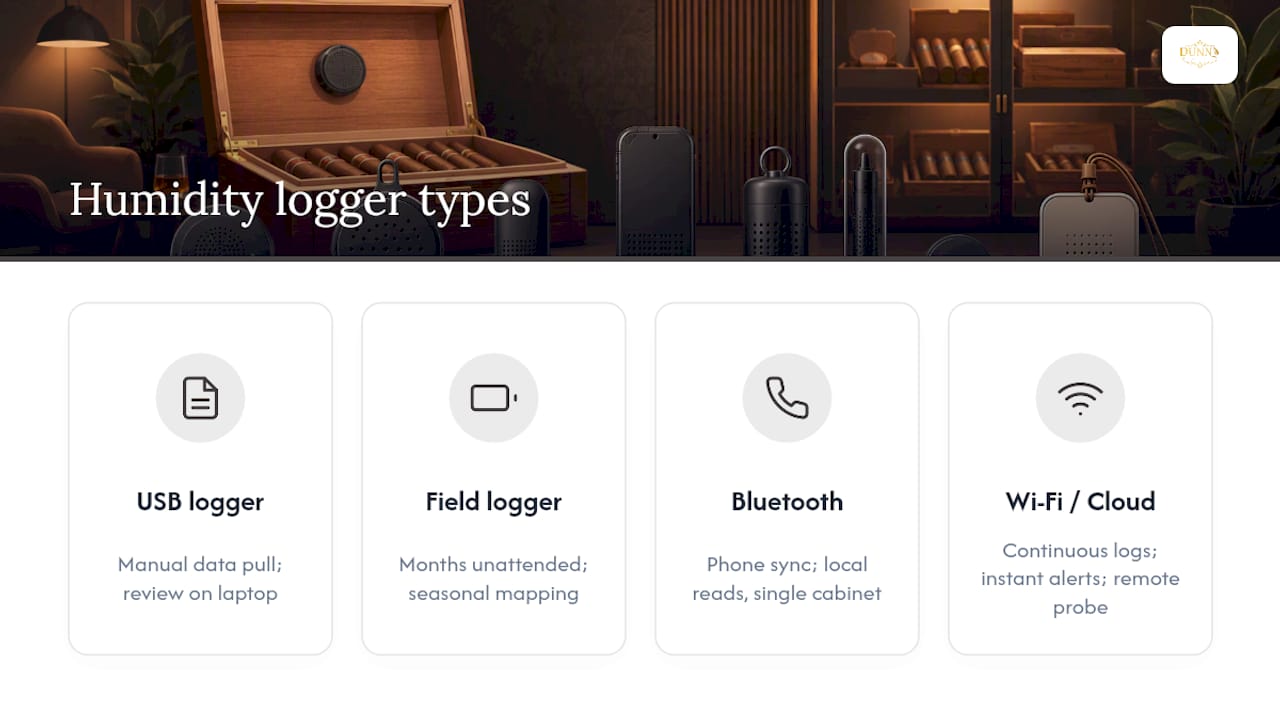
Bluetooth loggers sync to a phone app for quick local reads, no cables required. Good for a single cabinet in your study.
Wi-Fi and cloud-connected loggers are the category worth paying for in a serious humidor room or commercial lounge. They log continuously, push alerts the instant a threshold is breached, and let you check conditions from your phone during a business trip. Most integrated units also let you choose between a built-in sensor and a remote probe on a cable, which matters when the logger’s electronics need to sit somewhere warm but the sensor itself needs to sit inside the cedar-lined chamber.
The Specs and Documentation Worth Demanding
Not every device marketed as a “humidity data logger” deserves a spot in your humidor room. Before you buy, run the seller’s claims through this checklist.
- Accuracy and resolution. Demand a stated accuracy of ±2% RH or tighter, and check the resolution, the smallest increment the device can register. A logger with capacitive sensing technology tends to hold calibration longer than cheaper resistive alternatives, which drift faster in the 65 to 72% RH range where cigars actually live.
- Calibration traceability. Ask whether the unit ships with, or can be paired with, a NIST-traceable calibration certificate performed in an ISO/IEC 17025-accredited laboratory. That accreditation is the industry’s way of saying the calibration itself was checked by an independent body, not just the manufacturer’s own bench.
- As-found/as-left data and uncertainty. A compliant certificate lists the reading found before adjustment (as-found), the reading after adjustment (as-left), and a stated measurement uncertainty tied to a traceable reference standard. If a vendor can’t produce this, you’re buying a device with an unverifiable calibration history.
- Sampling interval, memory, and battery life. These three specs have to match your application, not just look good on a spec sheet. A logger with a full memory or a dead battery mid-cycle is worse than no logger at all.
- Environmental rating and probe options. Check the IP rating if the unit will sit anywhere near a humidification tray, and confirm probe cable length if you need the sensor separated from the display or electronics housing.
- Alarms and export format. Confirm the device supports CSV export and threshold alarms, ideally with a push notification, not just an audible beep you’ll miss when you’re not in the room.
Pro Tip: Ask any seller for a sample calibration certificate before you buy, not after. If they hesitate or can’t produce one showing as-found/as-left values, that’s your answer about the quality of the instrument behind the marketing copy.
Where You Place the Sensor Matters More Than the Spec Sheet
A $30 logger placed correctly will outperform a $300 logger placed badly. That’s not a knock on precision instruments, it’s a fact about air. Humidity doesn’t distribute evenly through a room or a cabinet: it pools near vents, spikes near exterior walls, and swings wildly near doors that open and close throughout the day.
- Avoid the obvious traps first. Keep sensors away from HVAC vents, direct sunlight through glass panels, exterior walls in unconditioned buildings, and anywhere near a door’s swing path. Any of these will hand you a reading that reflects a draft, not your collection’s actual environment.
- Run a real mapping campaign. Preservation researchers recommend a full year of monitoring with distinct summer and winter measurement campaigns to capture how your HVAC system behaves under seasonal extremes. If a year feels excessive for a single cabinet, at minimum run parallel loggers at multiple heights and zones for two to four weeks each season.
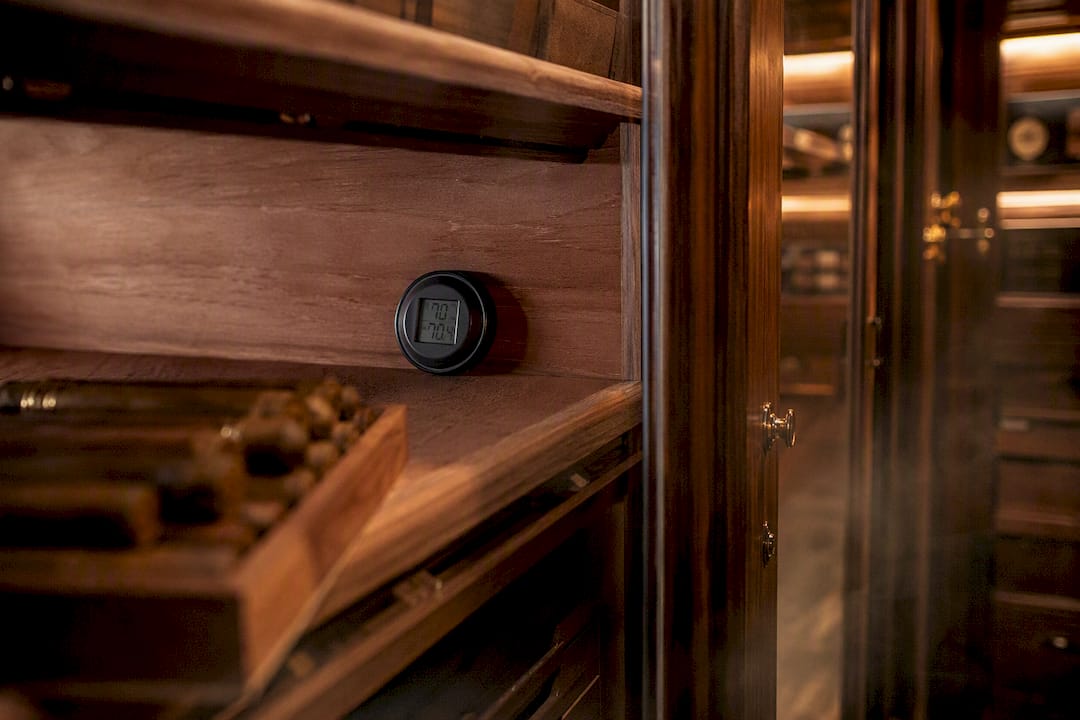
- Match the height to the cigars. Place sensors at the height where cigars actually sit on the shelf, not at floor level or ceiling level where readings skew.
- Set your interval by application. For room and cabinet monitoring, a 5 to 15 minute sampling interval captures meaningful trends without drowning you in data. Drop to a shorter interval only when you’re actively troubleshooting a suspected leak or transporting cigars.
- Label and log every device location. A logger without a documented position is a data point you can’t defend later. Note the zone, shelf height, and installation date on a simple spreadsheet.
Pro Tip: If your cabinet has a warm side, near a window, a lamp, or an exterior wall, run two loggers simultaneously for a week: one on the warm side, one on the cool side. The spread will tell you more about your real microclimate than any single “average” reading ever will.
Calibration and Maintenance: Keeping the Data Honest
A logger that drifted out of calibration eighteen months ago and nobody caught it is worse than no logger, because you’ve been making decisions on numbers you can’t trust.
Start by understanding the difference between a field verification and a full laboratory calibration. A field check, comparing your logger’s reading against a known salt solution or a second reference instrument, tells you whether the device is roughly in range. A full calibration, performed in an ISO/IEC 17025-accredited lab, tests the sensor across multiple points, typically spanning 20% to 80% RH, and checks it bidirectionally (rising and falling humidity) to characterize hysteresis, the lag some sensors show between wetting and drying cycles.
A properly compliant calibration certificate will always include:
- A unique certificate identification number tied to the specific device.
- As-found and as-left readings at each test point.
- A stated measurement uncertainty, not just a pass/fail stamp.
- Traceability to a NIST-recognized reference standard.
How often should you recalibrate? A government-backed two-year study of 40 commercial digital data loggers found that calibration status was largely unaffected by normal usage patterns, which supports extending intervals when you can back it up with stable drift history and periodic verification checks. For casual humidor monitoring, an annual field verification with a full calibration every two years is often defensible. If you’re running a commercial lounge or storing inventory for resale, keep to a tighter, accredited annual cycle and document every check.
Build a simple maintenance rhythm around three tasks: replace batteries before they die mid-log, confirm network connectivity on Wi-Fi units monthly, and log every verification or replacement with a date and technician name.
Turning Raw Readings Into Data You Can Actually Use
Collecting numbers is the easy part. Making them useful means your logger’s software has to hand you data in a form you can act on, not lock it inside a proprietary app you’ll lose access to the moment you switch phones.
- Insist on CSV export. Open, non-proprietary formats mean your five years of humidor history survive a software update or a vendor going out of business.
- Plan for data volume. A 5 minute sampling interval generates roughly 288 readings per day per sensor; multiply that across several zones and a year, and you’ll want a logger with either ample onboard memory or automatic cloud sync.
- Set alarms with a margin, not a hair trigger. A threshold set exactly at your target humidity will fire constantly on normal fluctuation. Give it a buffer of one to two points above and below your target band before it notifies you.
- Integrate where it counts. Feeding your logs into a spreadsheet or a basic maintenance record lets you spot slow trends, like a humidifier reservoir running low, before they become full-blown problems.
From Data to Cigars: Why This Matters for Your Humidor
Relative humidity isn’t a background detail for a cigar collection, it’s the variable that determines whether a wrapper stays supple or cracks, whether the burn is even, and whether aging develops the cigar’s character or ruins it. Consistent logging is how you catch that swing before it shows up as a split wrapper.
Different humidor types call for different monitoring approaches:
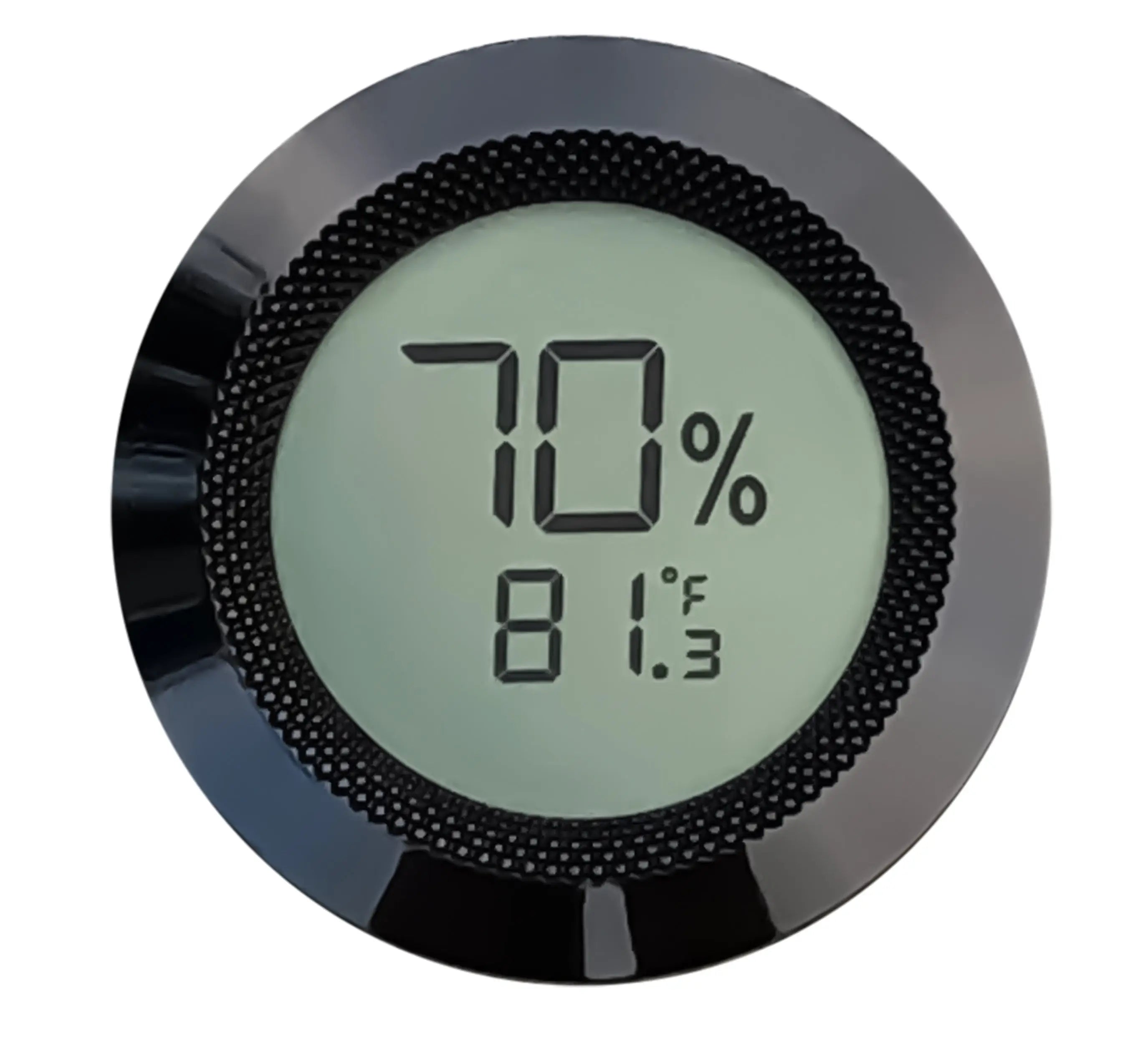
- Desktop and small cabinet humidors do well with the 300 Series Digital Hygrometer, which delivers capacitive-sensor accuracy in a form factor built for exactly this scale.
- Cabinets that need active humidification, not just monitoring, benefit from the HYDRA LG Electronic Cigar Humidifier, which automates the response instead of leaving you to react manually to a dropping reading.
- Larger cabinets and walk-in installations are best served by the Humidor Supreme 9100, engineered for the scale and airflow complexity a bigger space introduces.
A humidor without a documented humidity history is a guess dressed up as a collection. The record is what turns a storage box into an instrument you can trust.
Dunnluxuryselections pairs every monitoring recommendation with white-glove delivery and hands-on installation guidance, because a perfectly specified logger placed in the wrong spot still gives you bad data.
Why Most Collectors Get Monitoring Backward
Most advice on this topic obsesses over sensor accuracy and ignores placement almost entirely. That’s backward. A lower-accuracy sensor mounted at cigar height, away from vents and doors, will consistently outperform a premium sensor bolted to a cabinet wall three feet from where the tobacco actually sits.
The conventional wisdom also treats calibration as a one-time event: buy the device, trust the factory spec, move on. That’s a mistake for anyone storing a collection worth protecting. Calibration is a risk decision, not a formality. A humidor holding a weekend’s worth of everyday smokes doesn’t need the same rigor as a walk-in holding a five-figure inventory for a lounge or retail operation. Match the verification schedule to what you’d actually lose if the reading was wrong.
What I’d tell any collector starting from scratch: buy the mapping data before you buy the fancy device. Run two or three loggers across your space for a season, find your microclimates, and only then decide where your permanent sensor lives and how tight its spec needs to be. Skipping that step is the single most common reason collectors end up chasing humidity problems they created by trusting a single number from a single spot.
— Belle Dunn
Get Your Monitoring Setup Right the First Time
Dunnluxuryselections gives you calibrated, in-category monitoring hardware plus the installation know-how most online retailers simply don’t offer. You’re not choosing between a generic import hygrometer and hoping it’s accurate. You’re choosing devices matched to your exact humidor type, backed by calibration support and white-glove delivery.
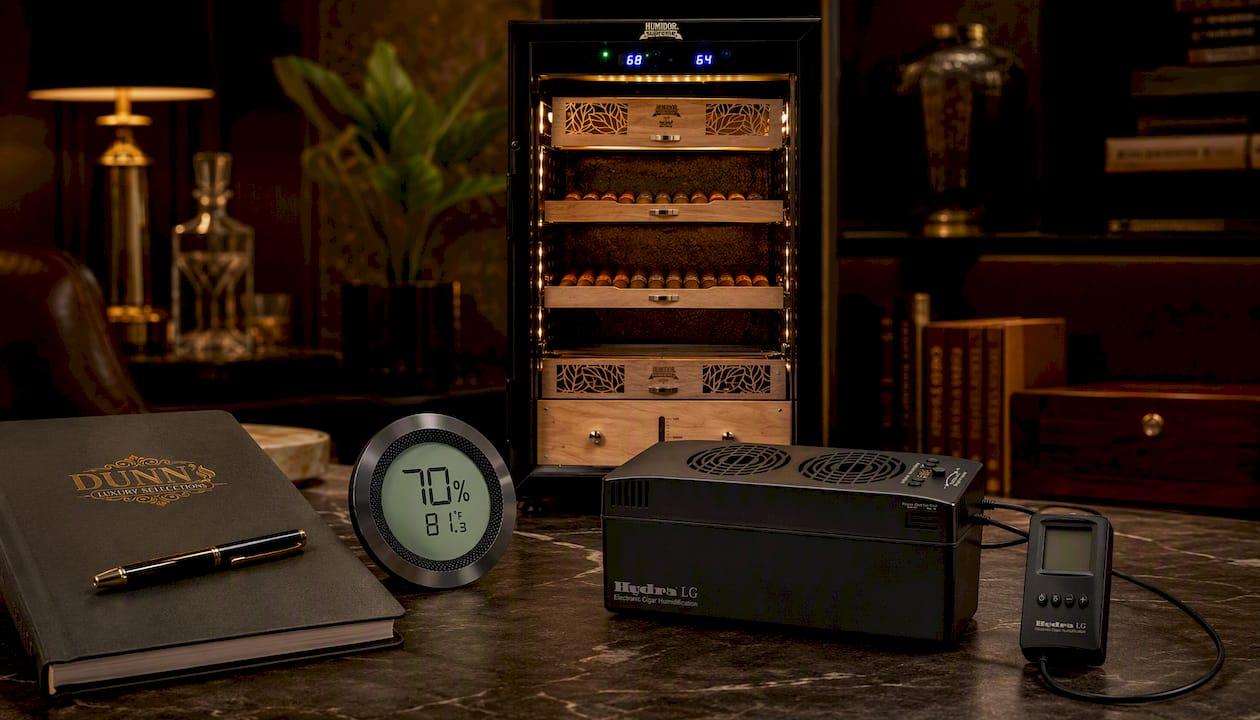
For a desktop or single cabinet, the 300 Series Digital Hygrometer gives you capacitive-sensor accuracy without the guesswork. If your cabinet needs active humidity correction rather than passive monitoring, the HYDRA LG Electronic Cigar Humidifier automates that response. And for larger cabinets or a walk-in build, the Humidor Supreme 9100 handles the scale a serious collection demands. Pair any of these with our Digital Hygrometer with Calibration service if you want a documented, traceable calibration on day one, and check our care guides for placement tips specific to your setup. Reach out through Dunnluxuryselections for a consultation, and we’ll help you spec the right monitoring solution before your next order ships.
Key Takeaways
Reliable humidity data logging depends on matching sensor accuracy, sampling interval, and placement to the specific humidor, then verifying it with a traceable calibration record.
| Point | Details |
|---|---|
| Match device to humidor size | Use the 300 Series for desktop or cabinet units, HYDRA LG for active humidification, and the 9100 for large cabinets or walk-ins. |
| Prioritize placement over spec sheets | Keep sensors away from vents, doors, and exterior walls at the height where cigars actually sit. |
| Sample every 5 to 15 minutes | This interval captures real trends in room and cabinet monitoring without overwhelming memory or battery life. |
| Demand traceable calibration | Insist on NIST-traceable certificates with as-found/as-left readings and stated measurement uncertainty. |
| Run seasonal mapping campaigns | Log through a full summer and winter cycle to see how your space actually behaves under HVAC stress. |
| Choose Dunnluxuryselections for setup support | Dunnluxuryselections pairs monitoring hardware with calibration services, white-glove delivery, and installation guidance. |
Sources
- Monitoring temperature and relative humidity (NEDCC)
- Digital data logger stability study (government publication)
- Data logger calibration guidance (Microprecision)
- Configuring data loggers correctly (ICS Schneider Messtechnik)
FAQ
What Is the Best Software for Logging Temperature and Humidity Data?
The best software exports to open CSV format, offers configurable threshold alarms, and provides an audit trail so your history stays accessible if you switch devices or vendors down the line.
What Is the Best Temperature and Humidity Data Logger?
For humidor use, the best logger is a capacitive-sensor device accurate to ±2% RH or better with a 5 to 15 minute sampling interval; the 300 Series Digital Hygrometer fits this specification for desktop and cabinet humidors.
How Do I Calibrate My Temperature and Humidity Data Logger?
Calibration should be performed by an ISO/IEC 17025-accredited lab using multi-point testing across roughly 20% to 80% RH, checked bidirectionally, with results documented on a certificate showing as-found and as-left values.
How Often Should a Humidity Logger Be Recalibrated?
A baseline of 12 months is standard, though stable drift history and periodic verification checks can justify extending that interval, as supported by a two-year study of commercial loggers that found calibration status largely unaffected by normal use.
Where Should I Place a Humidity Logger in a Humidor?
Place it at the height where your cigars actually sit, away from vents, doors, direct sunlight, and exterior walls, since sensor location typically affects data accuracy more than the sensor’s published spec.
Can I Use a Wireless Logger Instead of USB?
Yes. Wireless and Wi-Fi loggers make sense for larger cabinets or humidor rooms where real-time alerts matter, while USB pull-loggers work fine for occasional spot checks on smaller setups.
Recommended
You May Also Enjoy
Cigar Locker Dimensions: Sizing Guide for Collectors and Lounges
Cigar locker dimensions explained: compartment sizes, cabinet footprints, capacity math and clearances, so you size a locker bank...
Read Article
Sealing a Walk-In Humidor: Envelope, Door and Penetrations
How to seal a walk-in humidor properly: vapor barrier placement, door gasket, penetrations and the controlled airflow a...
Read Article
Retail Humidor ROI: How to Measure What a Display Earns
What does a retail or lounge humidor really return? A practical framework for cigar shops, lounges and clubs:...
Read Article